Node is very practical and lets you set up a server very quickly, with just a few lines of code and allowing you to server your static site files.
I use Yarn as my preferred package manager, but you can use npm if you prefer.
[topads][/topads]
First off we start by creating our package.json
yarn init
Follow outlined steps to create.
Then add express as you only project dependency.
yarn add express
Create a public directory to hold your static site files and a server.js file.
Open server.js in your favorite editor and place the following code
// Requiring express and creating an express app
const express = require("express");
const app = express();

// If the environment variable PORT is not set, use 3000
const port = process.env.PORT || 3000;

// express middleware that serves your static site files from the 'public'
// directory. https://expressjs.com/en/starter/static-files.html
app.use("/", express.static(`${__dirname}/public`));

// Firing up the server and listening on the given port.
app.listen(port, () => console.log(`Listening on port ${port}`));
Now head over to your terminal and type
node server.js
At this point you can open your browser and point to http://localhost:3000
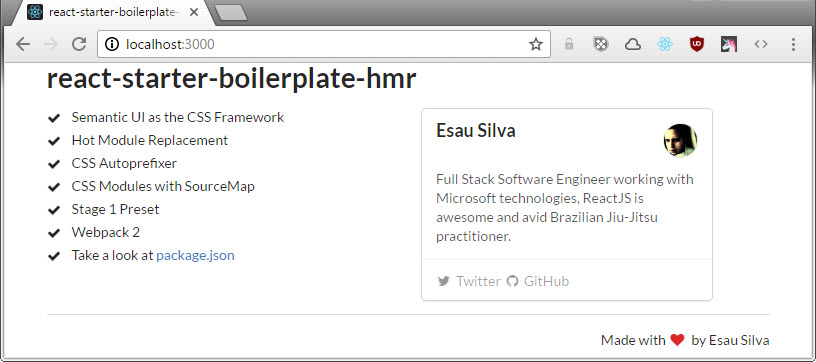
Typically you would have an index.html file alongside with some JavaScript and CSS files in your public directory.
Here is a basic structure

GitHub Repo:
[bottomads][/bottomads]
Good job man. As far as I’m concern this is as good as ngnx. Although I rather use it to render react layouts. ?
Thanks man. I haven’t used ngnx. But I’ve been learning a lot of good stuff lately, the JavaScript stack is pretty awesome!! Hope you are doing good.